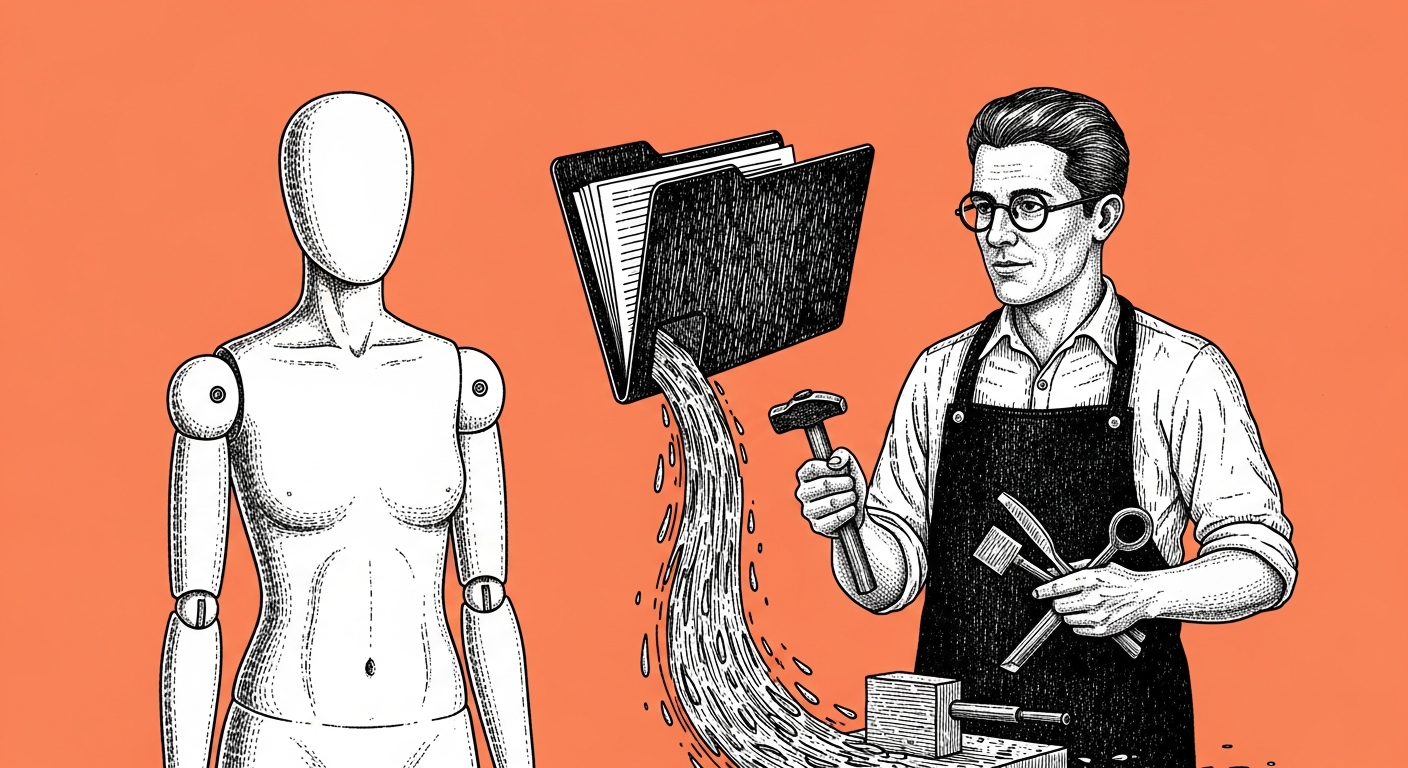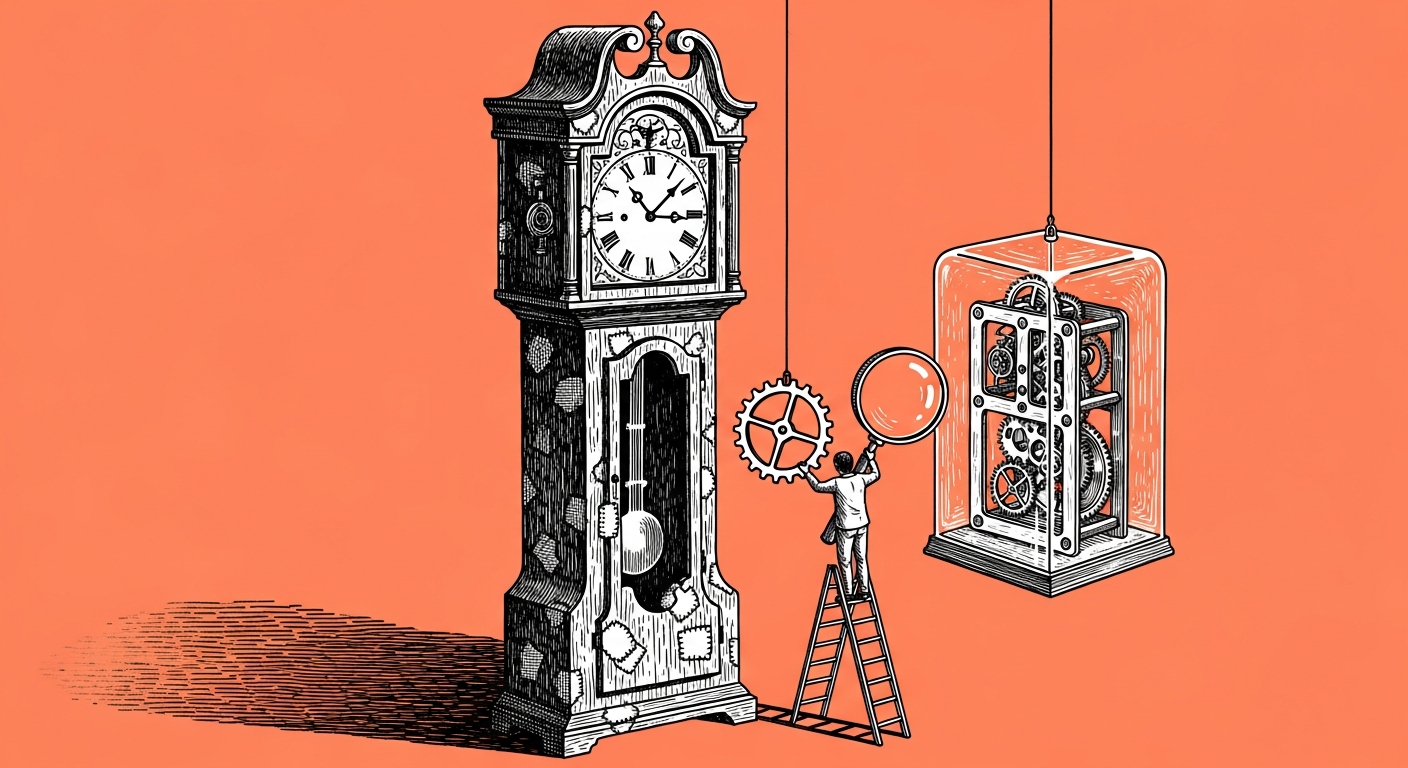
The safest way to upgrade is to drop the new version into its own separate folder, and give the agent an explicit ban on deleting or replacing any existing file. Instead of a real change, it produces a diff report, line by line, and you decide what actually moves into your active folder.
This question comes back nearly every time a new release lands, and once someone in the group posted an embarrassing confession: they were still running several generations behind, because they were afraid to touch what already worked for them. That is exactly the freeze I see the most, rooted in remembering the hours you spent tuning the agent exactly the way you wanted, and a real fear of losing that by accident. And it usually hits the people who invested the most, not the ones neglecting the system: the more you tuned it, the bigger the fear of touching it.
To me this is first a question of learning continuity: your agent accumulated months of small fixes, and every one of them was learned the hard way, after a real mistake you already paid for once. Each fix like that is a point on the capability map your agent has built, and an upgrade that overwrites it erases the learning along with the bugs, sending you back to a starting point you already left, even though the engine underneath is now stronger. Our own rule is simple: no external update ever touches an original file directly, a diff report runs first, and only then do we copy over, line by line, whatever actually changed (it takes about ten minutes, instead of a whole night of being afraid to touch anything).
The simplest test: describe in one sentence what actually changed between the old version and the new one. A precise sentence means you saw a real diff report. A vague one, something like "something moved," means you are still going on a general feeling (and yes, I still catch myself stuck on a version that was already updated twice, we are all a little like that).
A prompt, on the house
I have a new version of the system I want to merge in, without overwriting what I already built.

Put the new version in its own separate folder, and do not touch any of my existing files.
Instead, give me a diff report in three parts:
1. Files that are new in this version, that I did not have at all.
2. Files that changed, with the exact line-by-line difference.
3. Files I customized myself, that this update might conflict with.

Do not copy, delete, or replace anything on your own. Wait for me to decide what moves over.
A diff report becomes a fixed habit at every release, just like a backup, and once it is automatic, admitting you are still on an old version turns into a shared joke in the group.