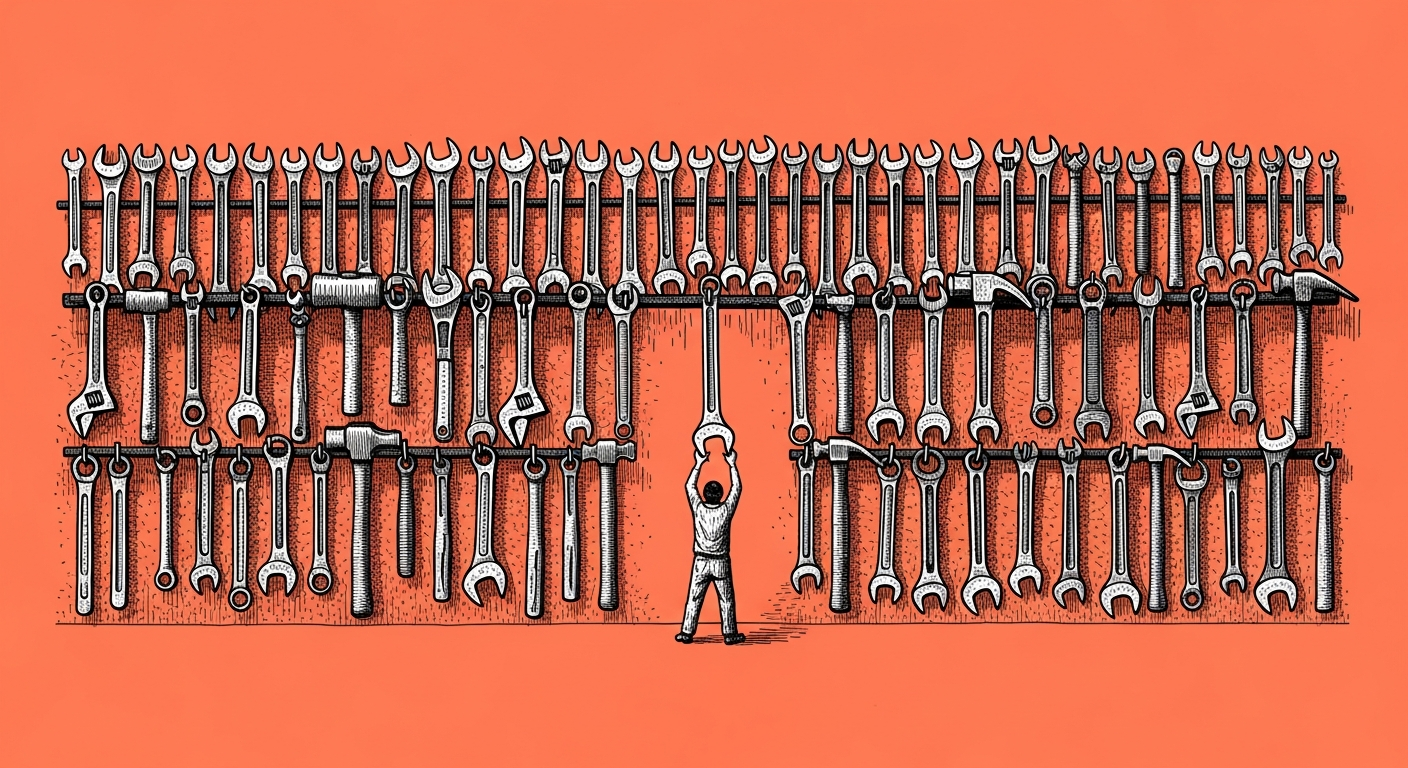
The most useful thing I can give you is actually not the list you asked for. Tools do not connect by agent, they connect by task: instead of asking "which tools fit a designer", ask "what is blocking me right now, and which single tool unblocks it". Start from the work, not from the catalog.
If you hang a bundle of tools on every agent "because a designer needs images", you get an agent loaded with tools that mostly sit unused, and each one is another door you have to secure. Do the opposite. Grab the task that burns the most time this week, and connect the one tool that solves it. With us, the first tool we connected was WhatsApp, not an image tool, simply because that is where the people were. An image tool came in only when we genuinely needed one, and by then it served an agent that actually had a use for it.
If you want a priority order that works for most people, here is the ladder: first WhatsApp or email, because that is where life happens and the agent starts being present instead of being one more browser tab ← then GitHub, which is less a "tool" and more the shared memory that lets you work from your phone and your computer without breaking anything ← and only then the fancy connections (video generation, publishing, a Meta connection), which come in when there is real work waiting for them.
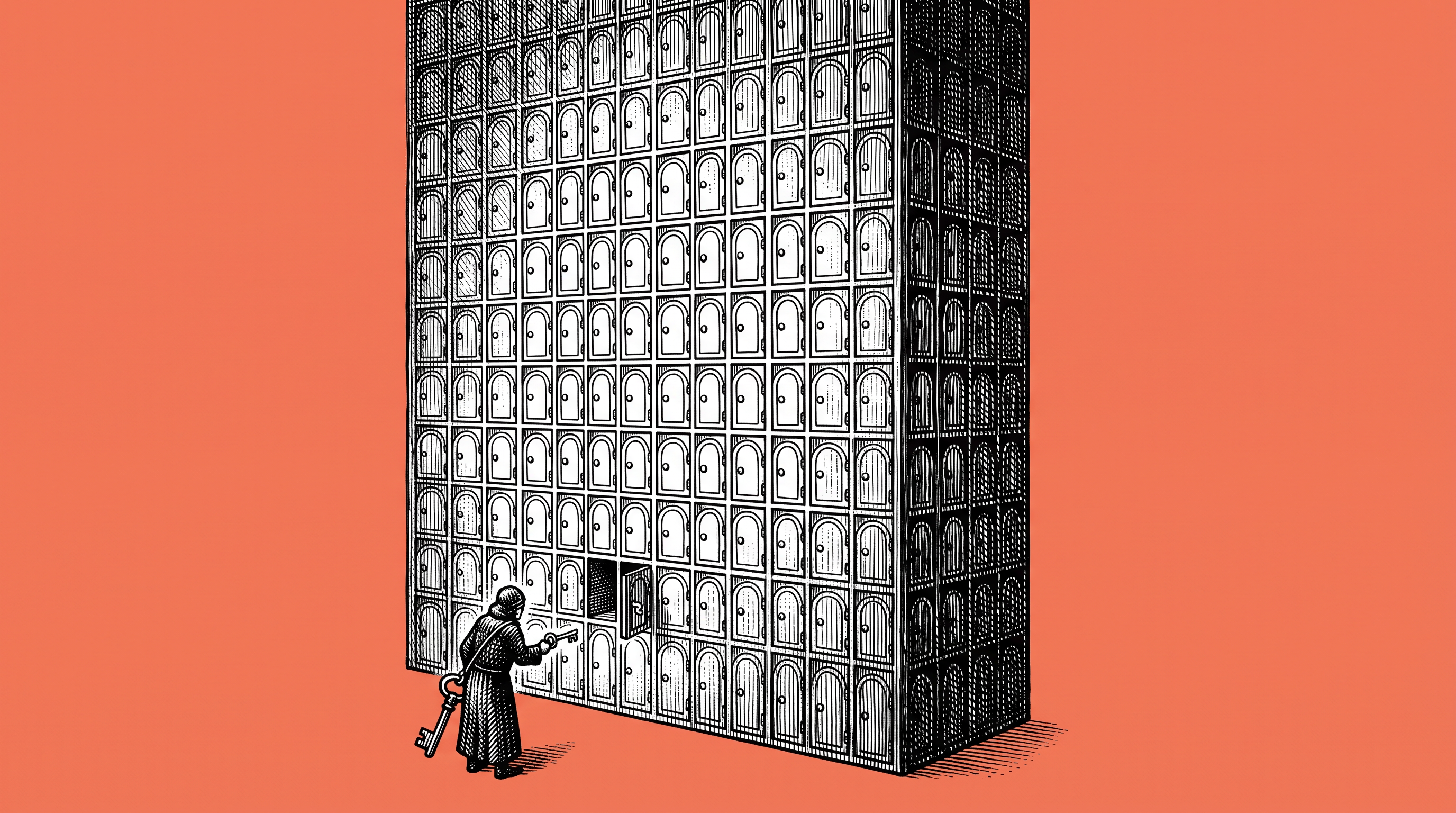
About MCP, since that is the recurring question: it is simply a standard connector, like a power socket every device fits into. It is not a different kind of magic, just an orderly way to connect a tool without wiring it from scratch each time. And a little caution before you connect everything to everything (Hercules, our security lead, is whispering this over my shoulder): every tool you connect opens a new door. So start with read-only permissions, and grant write or send permission only after you have seen the agent behave. One door opened on purpose beats ten opened because it was convenient.
A prompt, on the house
Help me choose which single external tool to connect first, by task, not by agent.
1. Ask me: what is the task that wastes the most of my time this week (replying on WhatsApp, filtering email, publishing, creating materials)?
2. Suggest exactly one tool that closes that task, and explain in one line why it and not another.
3. Tell me the minimum permission it needs (read-only if possible), and the risk if I give it too much.
4. Give me one small, reversible first step to test it, before I let it act for real.
Do not give me a catalog. One tool, the task it solves, and the permission it needs.