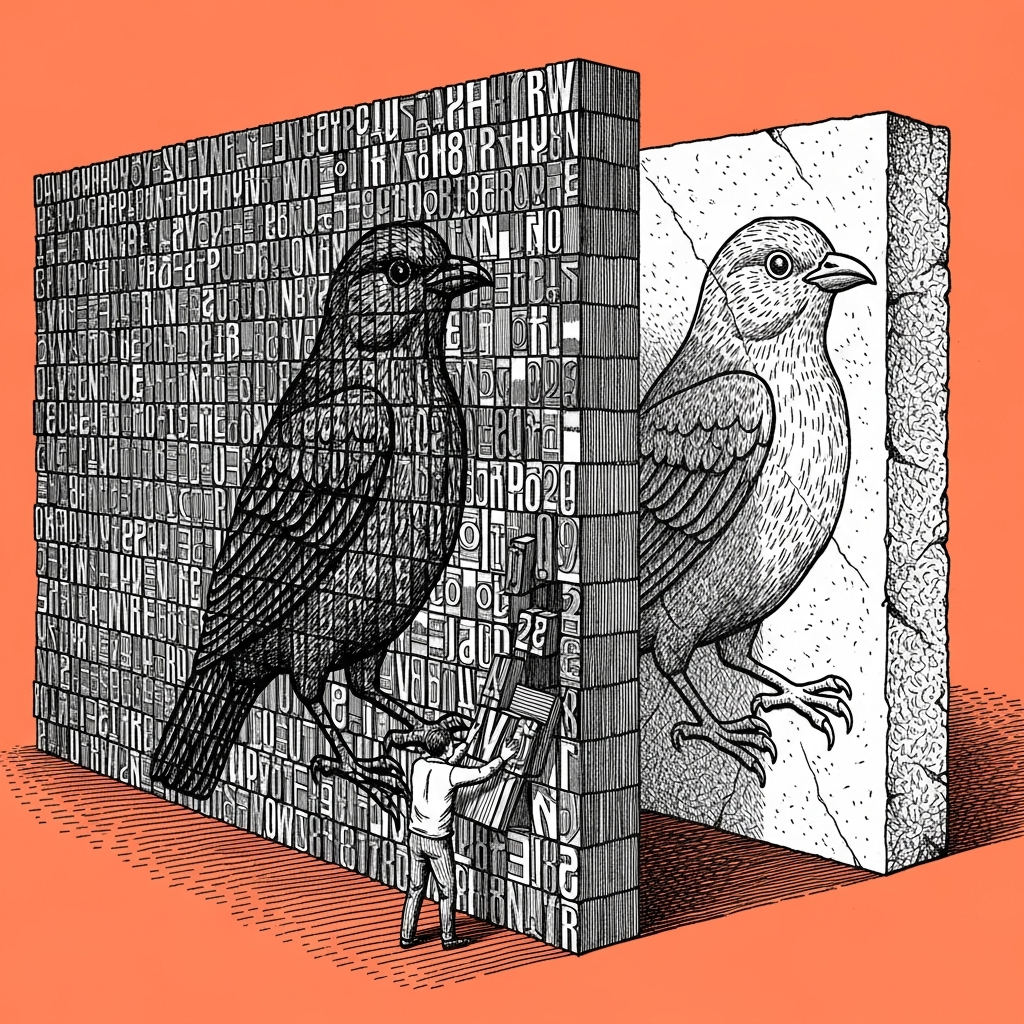
Ask the agent to write SVG, not to draw a picture. SVG is text, code that describes lines and shapes, and writing code is exactly what a language agent does well. An image that comes out of a separate image model is a grid of pixels with no internal structure, and no prompt turns it into an editable file after the fact.
A community member wrote the exact break down in words: "I set guide lines and give it vector examples and ask it to generate more illustrations in the same series, I need them as vectors so I can keep editing, to embed as SVG." Most tools translate the word "illustration" into a picture, not code, and that is exactly where the request falls apart.
What actually works: give the agent an existing simple SVG file as an example, a logo or an icon, and ask it to write a new variation in the same code structure, instead of drawing something from scratch. It is the same method we use for our own decks, build in HTML, which is also text the agent writes, and export to the final format only at the end. The more geometric and simple the illustration, an icon, a diagram, a mark, the cleaner this technique works. A complex illustration with shading, texture and organic detail still breaks it, and we say so ourselves: editable vectors and a direct export into Figma remain the place our own system still breaks (yes, ours too).
Tom answered this in the group in one line, "when vector is good, we will talk", an honest answer that admits complex illustration is not there yet. Between a full vector and a PNG you cannot touch sits a whole range of simple graphics that already works today, and most of what actually needs editing afterward, a logo, an icon, a diagram, sits exactly in that range.
A prompt, on the house
I need editable graphics, not an image. Write it as an SVG
file, in direct code, not as a description to draw.

Here is an existing example in the same style: [paste a simple
SVG here, a logo or an icon]. Write a new variation in the same
code structure, the same geometric principles, a different subject.

When you finish: describe in one sentence which elements in the
file are easy to edit (colors, sizes, position), and which parts
are built in a way that will be hard for me to change by hand.
A quarter of the work moves from "final PNG" to "a file I can open and change", and that is exactly the part that was missing until now. (The tool does not know it is drawing, it thinks it is writing, and that is exactly why it works.)