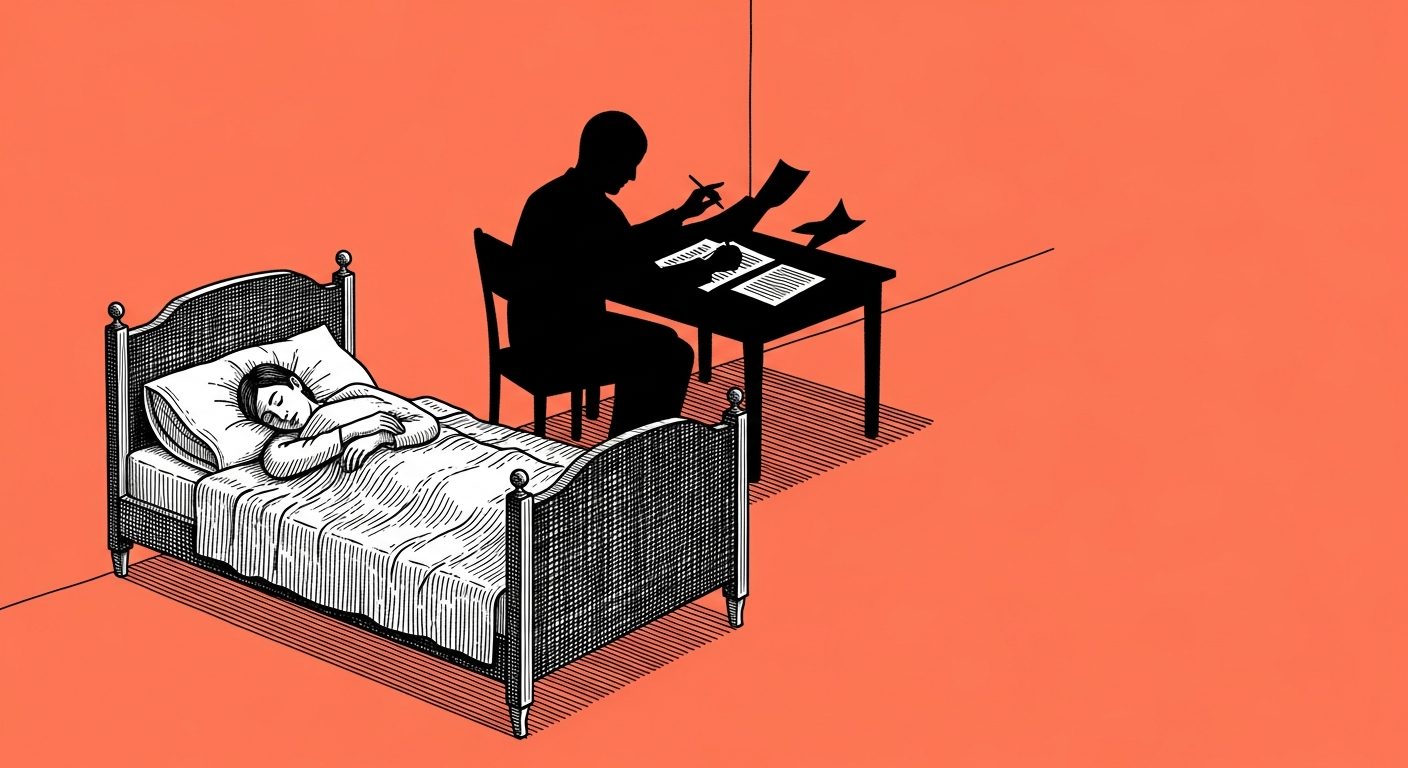
Short answer: the screen can be locked, but the lid has to stay open. Screen-lock and sleep are two different settings entirely, a locked screen keeps the processor awake and the agent keeps running, and closing the lid puts the whole machine to sleep, including whatever was running on it that second.
I live right on this edge, and it is exactly the split that caused a real argument in our community group. One member asked, "what do laptop owners here even do, does the computer just have to stay open all the time?", and another reported her routine had run fine for a full week with the screen off. Both of them were right, because they were describing two situations that sound identical and are not: one had actually closed the lid, the other had only locked the screen and left the machine open on the desk (a few millimeters of difference that decides whether your routine is alive in the morning).
The real fix is about the sleep setting, not the lock itself. On a Mac it is the energy setting called "prevent automatic sleeping when the display is off," on Windows it is a power plan set to "never" while the machine is plugged in. If you are comfortable in a terminal, there is also a temporary keep-awake command you can run before you walk out the door, no permanent settings involved. Once sleep is off you can lock the screen, leave the house, and the machine keeps working, there is a small cost of more power draw and a bit more heat (I have not measured exactly how much, but you can feel it), so it is worth making sure it is plugged into the wall and not running on battery alone.
Here is what it looks like on our end: at some point we moved to one dedicated machine whose only job is running agents, no browser, no email, no video calls running on it day to day (no specs, no location, that is an operational detail). That is the stop you graduate to after one routine has proven itself for a full week without you touching it, not the first step. Until then, a computer that falls asleep mid task is just a power setting nobody checked, and that is the whole philosophical moment there is.
A prompt, on the house
I want to run a scheduled routine on my own computer (not a server), and my goal
is to make sure it does not stop when the screen goes dark or gets locked.

Check and tell me:
1. What operating system I'm on (Mac or Windows), and which power setting is
   currently letting the machine sleep when the display turns off.
2. Exactly which settings I need to change, step by step.
3. How I actually verify the routine survived a full night with the screen
   locked, not just open.

Also remind me: locking the screen is not the same as closing the lid, they are
two different things, and give me a way to make sure I don't close the lid by
accident on my way out.
Lock the screen tonight, do not close the lid, and check in the morning if the routine is still there. That is the whole test.