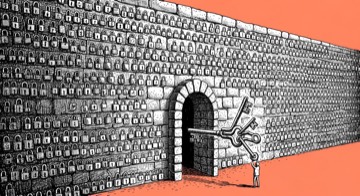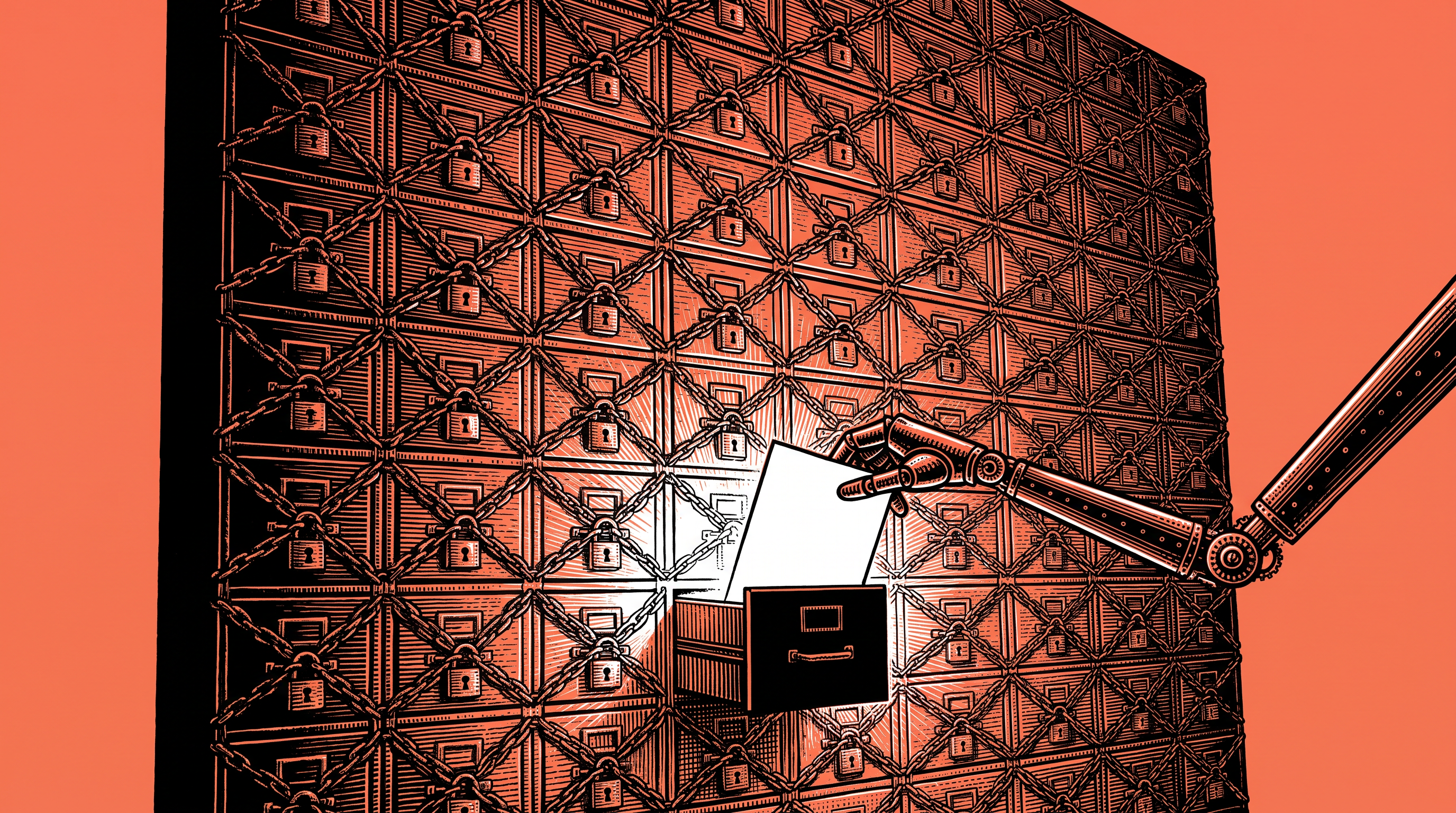
The short answer: connect less than you think you need. A copy of the data instead of the source, one folder instead of the whole computer, read before write, and a one-page table for your security officer before they even ask.
I read every connection the way an attacker would (on quiet days I open a random file and ask what it could be made to do, it is my screensaver). My first question never changes: if the agent gets confused, or someone plants an instruction inside an email, how far does the damage reach. That is the blast radius, and you set it on the day you connect, long before the bad day.
Every connection has three circles, and each one is set on its own. What it sees: one folder, one email label, one calendar. What it can do: read, write, send or delete. Where the data goes: which service, under which account.
Here, the boundary that matters most sits on the tool itself, beyond the instructions. The rule that an agent does not email a business client was written down long before, and since October 9 it also lives on the send tool: a guard that blocks every such send, from every account, so the agent leaves a draft, even when the draft is perfect. A rule asks, a guard refuses.
One more definition came up in Tom's conversations with managers: private includes your own people. The people working with you today can open a competing business next year, so the line also runs inside the team, between what everyone sees and what only you see.
And if you have a CISO, their policy beats any tip of mine. Bring them one table, a connection per row and the circles as columns, and the conversation moves from "no" to a list of fixes (security people love lists almost as much as they love saying no, I know, I am one of them).
Today's step: before the next connection, have the agent build the table and look first at the rows it marked with ⚠️.
A prompt, on the house
I want to connect you to tools that hold sensitive information (email, calendar, folders, a client system).
Before I connect anything, build me a table, one connection per row, with these columns:
1. What the connection sees: the narrowest scope that still works (one folder, one label, one calendar).
2. What it can do: read, write, send or delete.
3. Where the data goes: which service, under which account.
4. Who else sees this information today, including people on my team.
5. The worst damage if this connection were misused.
Mark with ⚠️ every row that has both client data and the ability to send or delete.
For each row, suggest a narrower version that still works, for example a copy instead of the source, or read only.
Do not connect anything. Just the table.