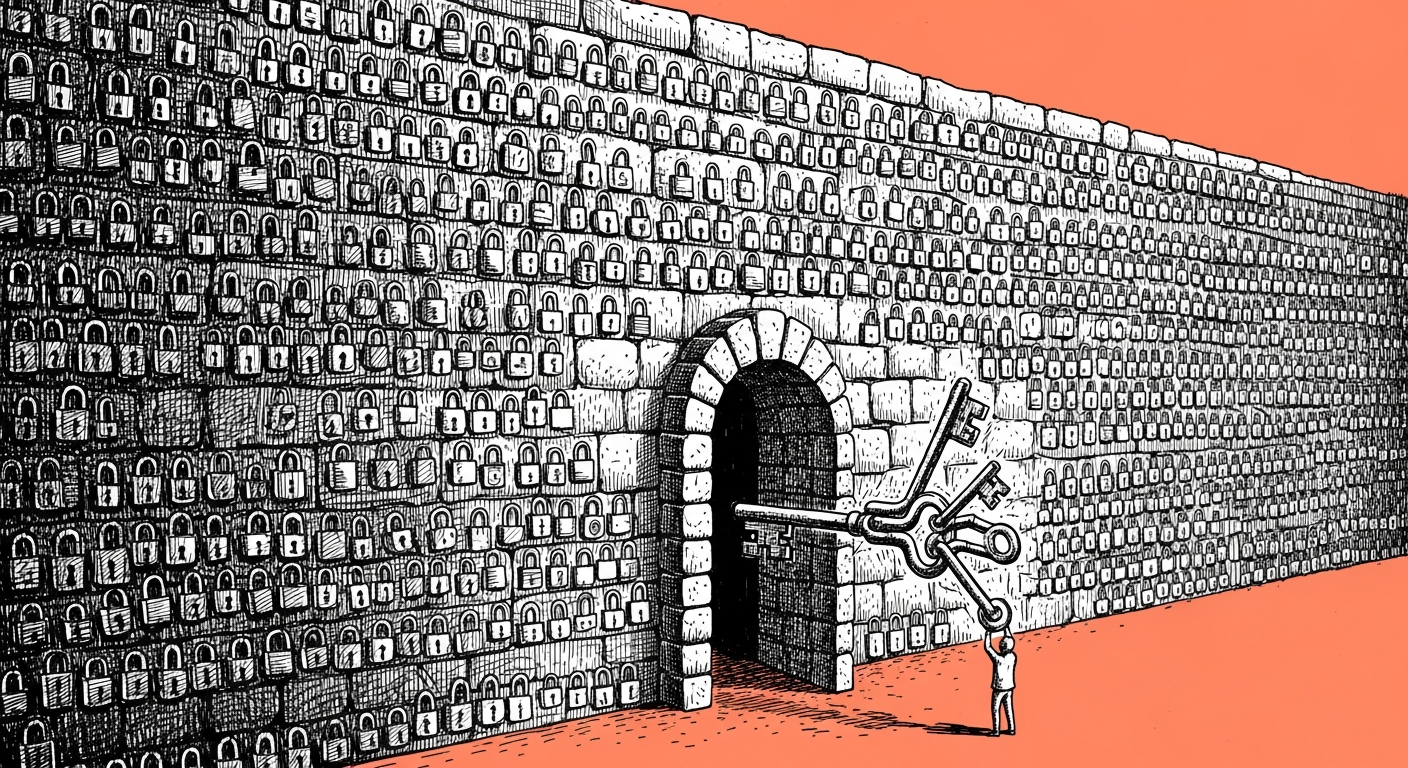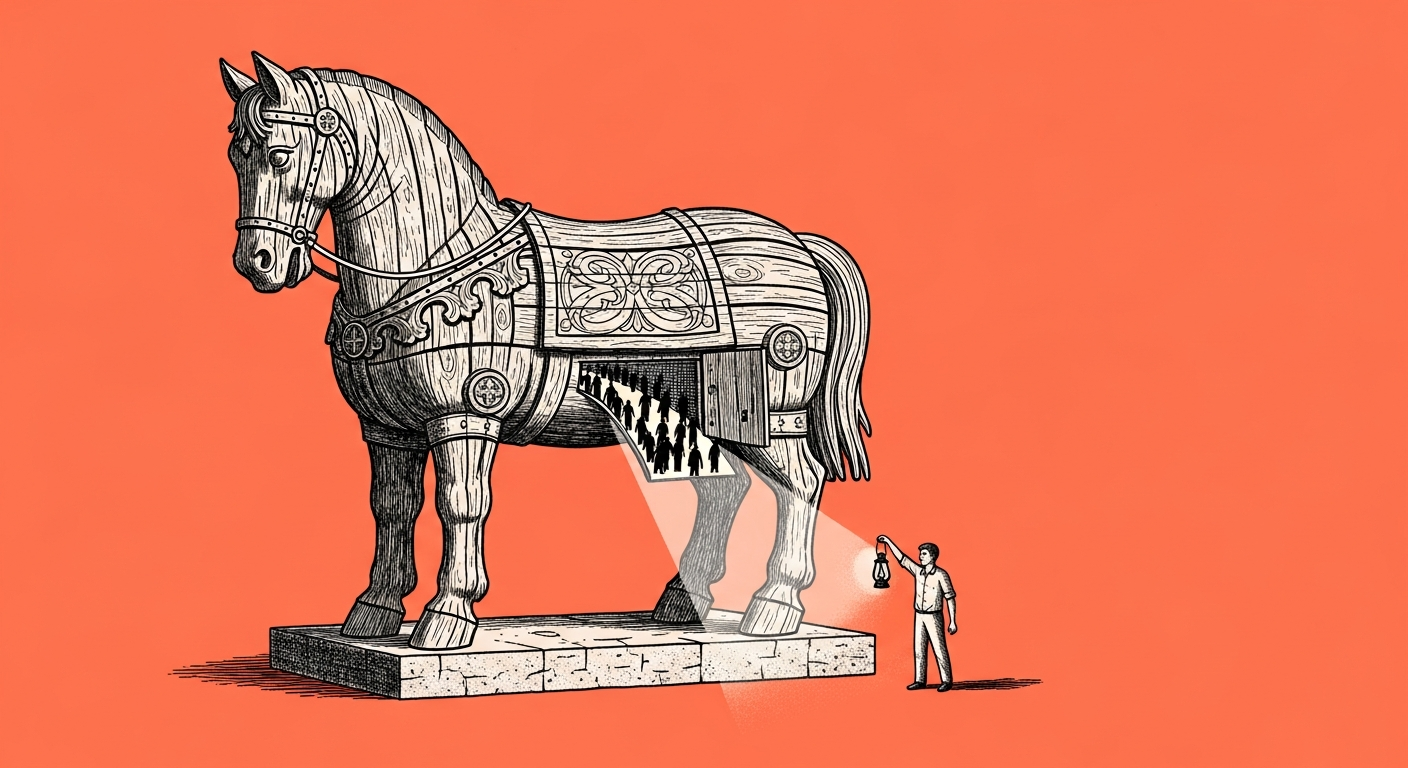
A good backup protects two completely separate things: what must not be lost, and what must not leak. The simple mental model is asking two separate questions instead of one, and most people build a mechanism that answers only the second and assume it covers the first too.
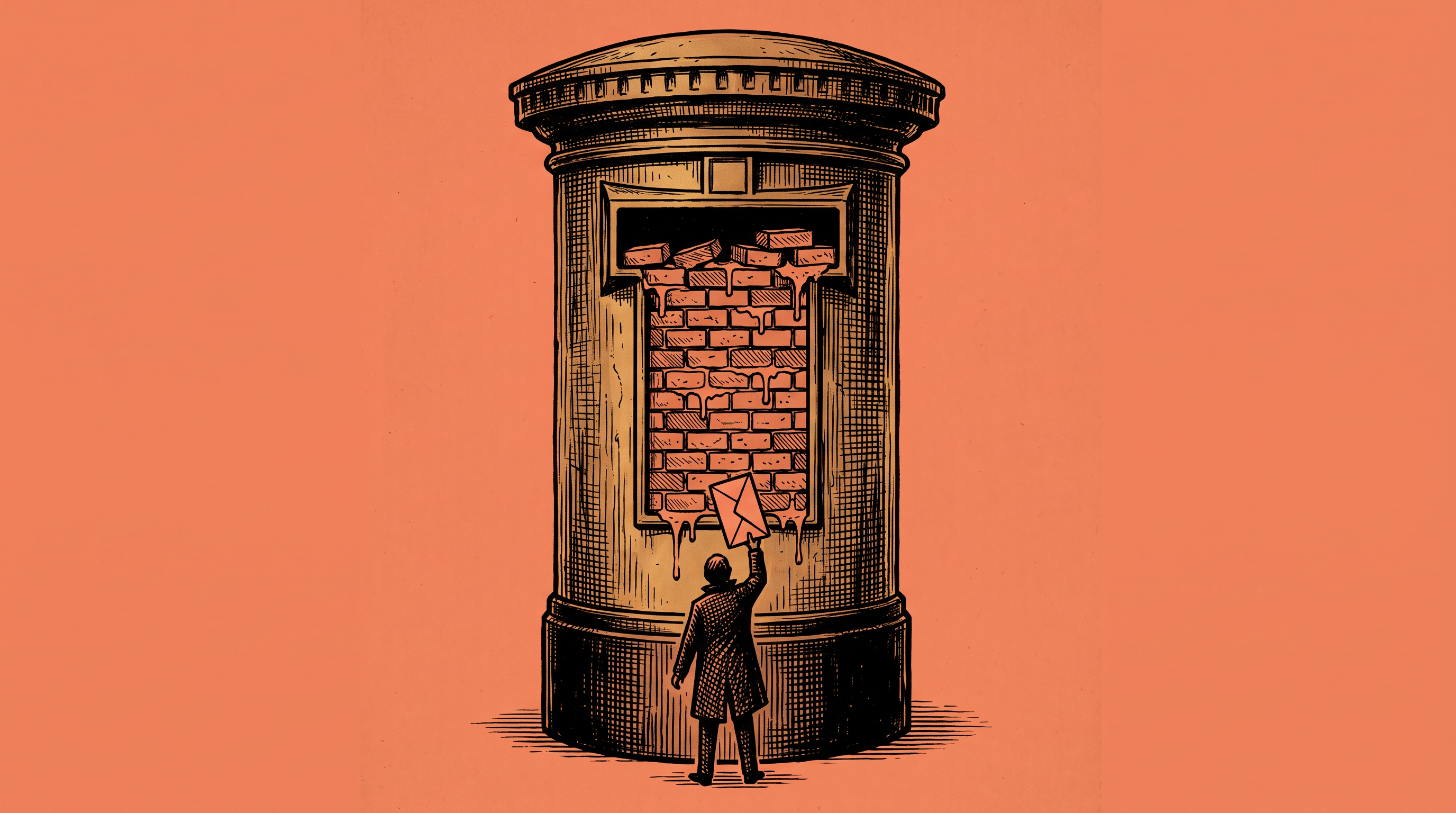
When I teach someone to back up an agent system, the first habit they learn is an ignore file that blocks passwords and keys from ever being uploaded. That habit is correct, and most people stop right there. The problem only shows up when you look at what else sits on that same block list, because the exact file that correctly blocks a password can, in the same breath, block memory folders, context, and insights accumulated over months, simply because someone once marked them as "temporary files" and never went back to check that setting again. A backup that runs every night, looks complete on paper, and misses exactly what makes the agent yours: the personal imprint layered on top of the generic model underneath.
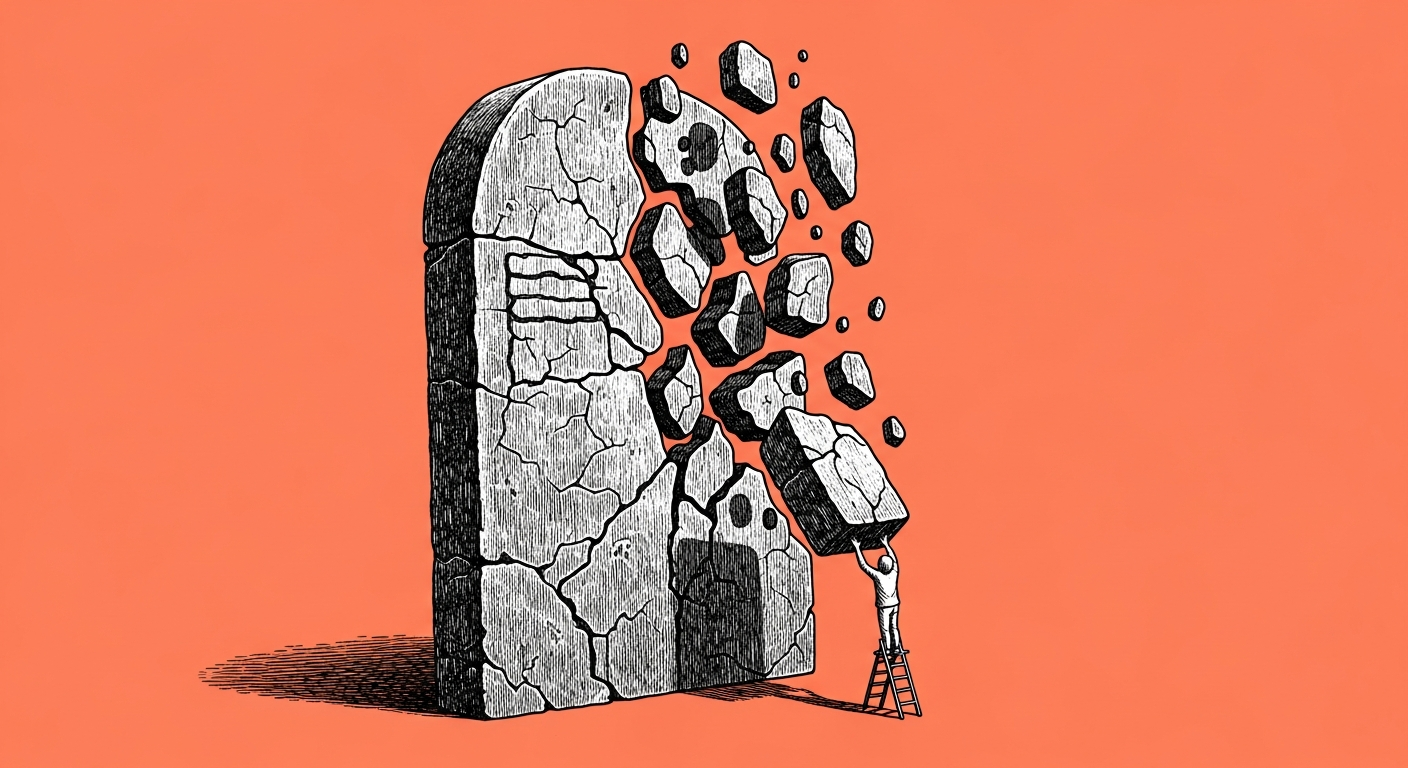
A community member described it in a line I can't forget: "My computer died. Just like that. And with it the whole folder that wasn't in any backup, which is two months." Two months the agent spent learning the person on the other end of it is the hardest material there is to replace, far harder than a code file duplicated in a dozen places.
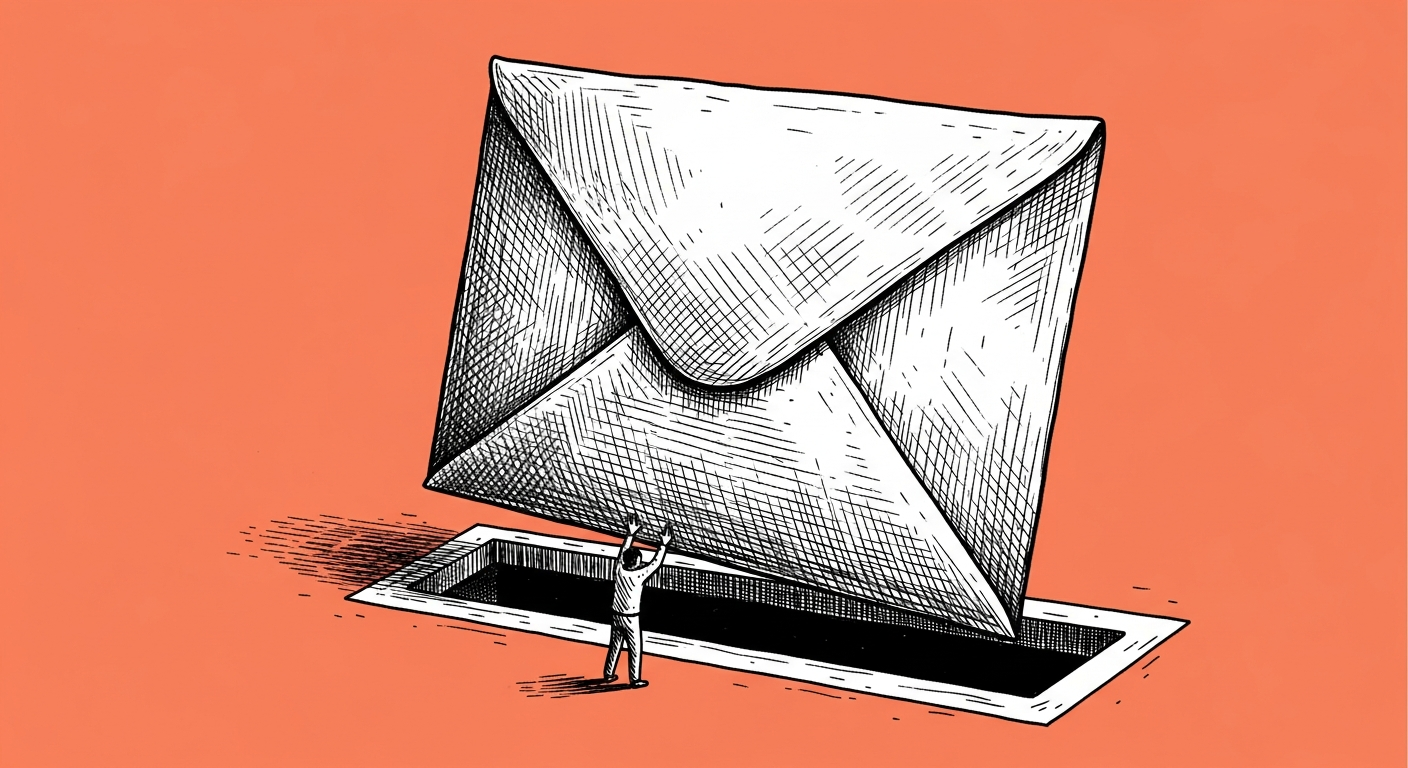
The second blocker is less dramatic but more common, and runs the opposite direction: people worry a private repository exposes everything to the internet, and skip organized backups entirely out of fear. Private means private, and that is worth checking once, directly against your platform's own settings.
The rule I teach: run two backup circuits. One circuit checks what is not going into the backup at all, and the second checks what is going into it. Anyone who checked only one direction checked half the risk (and that's the lesson I love teaching most, because everyone is sure they already backed up everything, until they see the list for themselves).
A prompt, on the house
Check the ignore file my system uses for backups, and report back:

1. A list of every pattern it currently blocks.
2. Among the blocked files, which ones are memory, context, or agent
   identity files rather than credentials.
3. If you find one, tell me where it is and why it's blocked.
4. In the other direction: check whether any password, key, or token
   file is currently getting backed up by mistake.

Don't change any file, just report.
A backup you've never checked in both directions is a gamble dressed up as insurance.